
AI Fatigue Is Real: What It Is, Why It Happens, and How to Fix It
By Faisal Khan
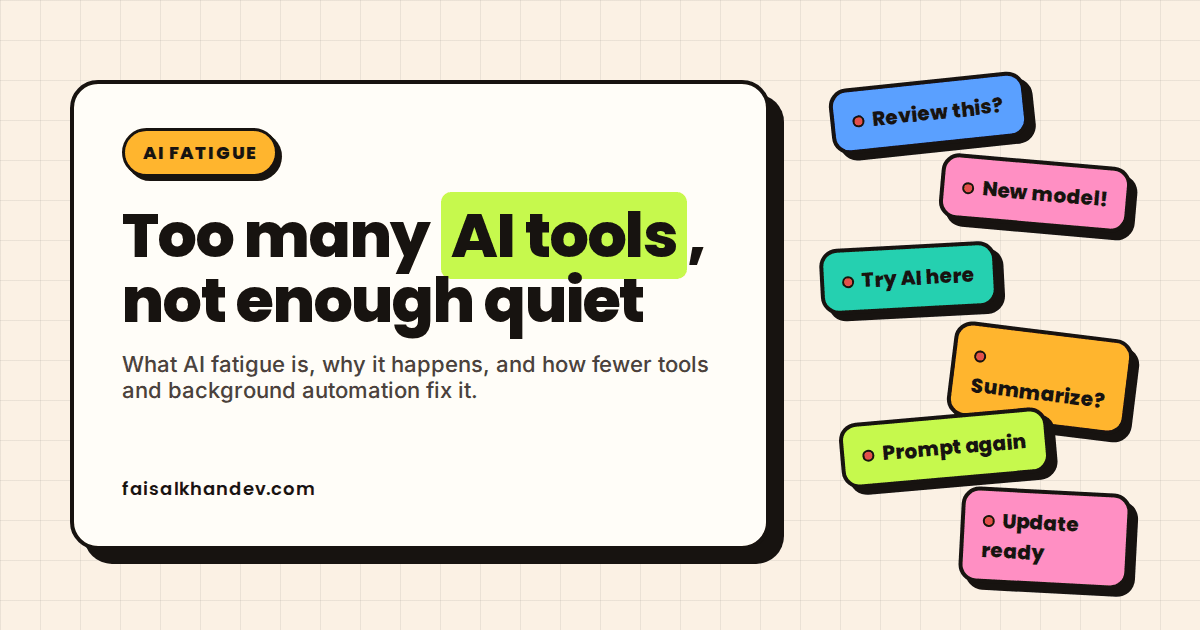
There wasn't one big moment where I noticed it. It built up from spending more time reading about new AI tools than building with the ones I already had — a new model, a new AI-powered feature, a new "you have to try this" post, every week, and I felt behind even on days I'd shipped good work.
I build AI automation for businesses, and I spend my own working day in Claude Code. That puts me on both sides of AI fatigue: I am the developer living in the tool, and I am the person a client calls when their team is drowning in a pile of them.
Here is the short version of what I have learned. AI fatigue is not caused by AI itself. It is caused by too many loud, bolted-on AI tools that each demand attention, prompting, and checking. The fix is fewer tools, and quieter automation that runs in the background without asking anyone to babysit it.
What is AI fatigue?
AI fatigue is the mental exhaustion people feel from constant exposure to artificial intelligence tools, news, and expectations. AI fatigue shows up as irritation at yet another AI feature, reluctance to try new AI tools, and tiredness from prompting, checking, and correcting AI output at work.
The AI fatigue meaning splits into two kinds, and they need different fixes. Hype fatigue is being tired of hearing about AI: every product launch, every "AI-powered" label on a feature you never asked for, every headline about what it will replace next. You can have hype fatigue without ever opening a chatbot.
Usage fatigue is being tired from working with AI tools. This is the kind that hits developers, marketers, analysts, and anyone whose job now includes writing prompts, reading generated output, deciding whether it is right, and fixing it when it is not. Usage fatigue is the more expensive kind for a business, because it lands on the people expected to produce more with the tools.
Is AI fatigue real? What the data says in 2026
Yes. AI fatigue is real, and the 2026 data on US adults and on workers points the same way.
A Pew Research Center survey of 3,488 US adults, conducted June 22 to 28, 2026, found that 52% of Americans are more concerned than excited about the increased use of AI in daily life, up from 37% in 2021. For the first time, a majority of adults under 30 (55%) say the same. That is hype fatigue showing up across US adults as a whole, not just in people who use AI at work.
Usage fatigue has been measured too. A Boston Consulting Group study of 1,488 full-time US workers, published in Harvard Business Review in March 2026, found that workers with high AI oversight demands reported 14% more mental effort, 12% more mental fatigue, and 19% more information overload than workers with low oversight demands. The researchers named the condition "AI brain fry." The same study found that once people said they used four or more AI tools, self-reported productivity plummeted.
Tech workers specifically are worse off than a year ago. Lenny's Newsletter's 2026 survey of tech workers, published July 2026, found significant burnout rose from 44.7% of respondents in 2025 to 55.7% in 2026. Only 22% worried about losing their job to AI. Far more worried about being expected to do more for the same pay (51%) and getting trapped in an unsustainable pace (46%).
AI fatigue at work: why employees burn out on AI tools
Employees burn out on AI tools because the tools get added faster than the work gets removed. AI use and employee fatigue rise together when a company buys tools, raises output targets, and leaves the checking to the people who were already busy.
The clearest early data on this is from 2024, so it predates the current wave of tools. Upwork Research Institute's 2024 survey, reported by Fortune, found that 77% of employees using AI said the tools had added to their workload, 71% of full-time employees were burned out, and 47% had no idea how they were supposed to reach the productivity gains their leaders expected. Nothing in the 2026 data above suggests that gap has closed.
Four causes come up again and again:
- Tool sprawl. A writing assistant, a meeting summarizer, a coding assistant, an AI layer inside the CRM, and a chatbot in the help desk. Each one has its own prompts, quirks, and login. The BCG finding on four or more tools is the point where this stops helping.
- Constant output checking. AI output is fast to produce and slow to verify. If a person has to read every generated email, summary, or function before it goes out, the "saved" time simply moved from writing to reviewing.
- Shifting expectations. Once leadership believes AI makes everyone faster, targets go up. The 51% of tech workers worried about doing more for the same pay are describing exactly that.
- Mandate without training. "Use AI" as a policy, with no guidance on which tool, for which task, or how to check the result. That is where the 47% who did not know how to hit the expected gains come from.
The developer side: what building with AI every day feels like
Building with AI every day feels less like writing software and more like reviewing it, and that shift is where most developer AI fatigue starts. Siddhant Khare's February 2026 essay, "AI fatigue is real and nobody talks about it", is the piece that started the wider developer conversation. His point, in short: AI lowers the cost of producing code but raises the cost of coordinating, reviewing, and deciding, and those costs land on the human.
That matches what I run into day to day in Claude Code. Writing the prompt is not the tiring part. Checking the output is. AI-written code reads as correct on the first pass, so I have to go through it line by line to find the part that isn't, and that kind of reading is more draining than writing the same code myself would have been. Some days I come out technically faster on the tickets but more tired than before I used it at all — the hours moved from typing to reviewing, not away.
That is also the side of my work where I am building AI features into full-stack apps, so I am on the receiving end of the same tools I put in front of clients. The difference between a feature that helps and a feature that tires people out is usually not the model. It is how often the feature interrupts someone and asks to be checked.
AI fatigue symptoms and causes: a quick stress analysis
A quick stress analysis of AI fatigue comes down to matching each symptom to its likely cause, because the fix is different for each one. The table below covers seven common ones.
| Symptom | Likely cause | What helps |
|---|---|---|
| Dread when a new AI feature appears in a tool you already use | Hype fatigue: features shipped for the vendor's roadmap, not for you | Turn it off. Most AI add-ons have a setting for that. |
| Mental fog after an afternoon of prompting | Usage fatigue: every prompt is a small decision, and they add up | Batch AI work into one or two blocks a day |
| Tired of reading and checking AI output | Reviewer role: you became the judge instead of the maker | Fewer, larger outputs; tests and validation instead of eyeballing everything |
| Skipping AI tools the company paid for | Tool sprawl: four tools, four workflows, four logins | Cut to one tool per job and drop the rest |
| Feeling behind every week | Update churn: models and features change monthly | Re-evaluate tools on a quarterly schedule, not on launch day |
| Doing more work for the same pay | Targets rose faster than skills or headcount | Measure outcomes, not output; renegotiate scope |
| Dropping tasks between tools | Context switching: a person carries data from app to app | Automate the handoffs so no one is the glue |
How to fix AI fatigue: fewer tools, quieter automation
The fix for AI fatigue is to cut the number of AI tools asking for your attention, then move the repeated work into automation that runs without being watched. This is what actually changed things for me: I stopped chasing every new launch and settled on one fixed toolset built around Claude Code. I only add something new when a real project needs it, not because it shipped this week. For small, well-understood tasks I just write the code myself instead of prompting for it — the round trip of reviewing AI output for a two-minute task usually costs more than the two minutes. And I give AI clear, scoped jobs instead of open-ended ones, so there is less output to check at the end. Here is the order I recommend if you're starting from tool sprawl:
- Count the AI tools you touched this week. Write them down, including the AI features hiding inside tools you already had, because those count too. Keep one per job: one for writing, one for code, one for search. Drop the rest.
- Turn off the AI features you did not ask for. Autocomplete in email, summaries in meeting software, "ask AI" buttons in the CRM. If nobody on the team can name what a feature saved them last month, switch it off. Fewer interruptions, fewer things to check.
- Batch AI work into blocks. Prompting and reviewing are decision-heavy. Do them in one or two sessions a day and keep the rest of the day for work that needs a clear head. This is the direct answer to the mental fatigue the BCG study measured.
- Move repeated tasks into background workflow automation. The tasks that wear people out are the ones that repeat: sorting inbound requests, drafting the same reply, moving data between two systems. Background workflow automation handles those on a schedule or a trigger and only surfaces the exceptions to a person. Nobody prompts it, nobody watches it run, and the review happens once at the end instead of at every step.
- Set a review budget. Decide in advance what gets read line by line and what gets checked by tests, validation rules, or spot checks. Reviewing everything by eye is how "the AI does the work" turns into "I check the AI's work all day."
- Freeze tool changes for a quarter. New models and features will keep arriving. Evaluate them on a schedule, once a quarter, instead of every time one launches. Most of the churn does not survive that wait.
Is AI fatigue a sign I should stop using AI tools?
No. AI fatigue is a sign of how many tools you're using and how they're set up, not a reason to drop AI altogether. Cutting to one tool per job and moving repeated tasks into background automation usually removes the exhaustion while keeping the actual output gains — the fix is fewer, quieter tools, not none.
What causes AI fatigue at work?
AI fatigue at work is caused by adding AI tools without removing work: too many tools with separate prompts and quirks, output that is fast to generate but slow to check, targets raised on the assumption that everyone is now faster, and mandates to "use AI" with no training on how.
How do you deal with AI fatigue?
Deal with AI fatigue by cutting to one AI tool per job, switching off AI features nobody asked for, batching prompt-and-review work into set blocks, and moving repeated tasks into background automation that only surfaces exceptions. Then evaluate new tools quarterly instead of chasing every release.
Is AI fatigue the same as burnout?
No. Burnout is chronic exhaustion that builds over months from work as a whole. AI fatigue is narrower: strain tied to AI tools, prompting, checking output, and the constant news around it. Left alone, AI fatigue can feed burnout, which is why the tool count matters.
Where to start
AI fatigue is not an AI problem. It is a too-many-loud-tools problem, and it fades when the tools get fewer and quieter. If your team is tired of babysitting AI and you want to know which of those tools could run in the background instead, get in touch and describe the work that repeats.