
Legacy Stack Migration
- Rebuild on React/Next.js + Node.js/Nest.js, feature parity first
- Migrate incrementally where possible, not a risky big-bang cutover
- Clean up the data layer along the way instead of just porting the mess
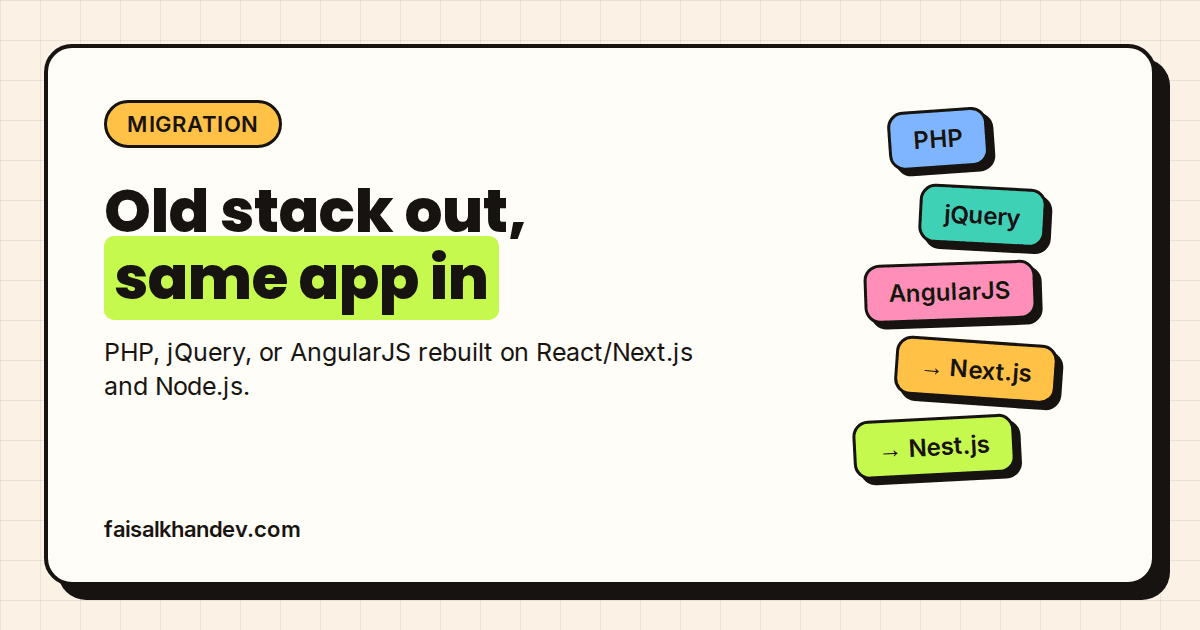
Apps built on PHP, jQuery, AngularJS, older Rails/Django, or in-house frameworks that have gotten hard to hire for, slow to change, or too fragile to add features to safely. If the team is spending more time working around the codebase than building in it, that's the signal.
React/Next.js frontend, Node.js/Nest.js backend, MongoDB or SQL depending on the data shape — the same stack used for new builds, so the result isn't its own kind of legacy in five years.
Feature parity first, not a rewrite-and-hope. Where the app allows it, migration happens incrementally (route by route, or behind a proxy) so the business doesn't stop shipping during the rebuild. A full cutover only happens where incremental isn't realistic — that gets scoped honestly up front, not discovered halfway through.
Codebase audit, migration plan, the rebuild itself, and a data-layer cleanup where the old schema was part of what made the app slow or fragile — not just a like-for-like port of the same problems into new syntax.
Teams whose app works but the stack has become the bottleneck — hard to hire for, hard to extend, or held together by patches. Not for apps that just need new features on a stack that's still fine.
Common questions
Does the app need to go offline during the migration?
Not usually — incremental migration (route by route, or behind a proxy) is the default where the app's architecture allows it, so it keeps running during the rebuild.
Will the rebuilt app look and work exactly the same, or does the UI change too?
Feature parity is the starting point; UI changes are a separate conversation and only happen if you want them alongside the migration.
What if the old codebase has no documentation?
A codebase audit is part of the process specifically for this — reading the existing app to understand what it actually does before migrating it, undocumented or not.
Is this just a straight port, or do you fix underlying issues too?
Data-layer and architecture cleanup happens along the way where it's the reason the app got slow or fragile — not a like-for-like port of the same problems.
Can AI features be added as part of the migration, or is that separate?
They can be scoped into the same project if wanted — see Full Stack AI Development for what that adds, or AI Integration for Existing Apps if the app should keep its current stack and just gain AI features.
Best plan offer
Basic
Delivery: 1-2 weeks
- Full-stack website, up to 5 pages
- React/Next.js + Node.js + SQL/MongoDB
- Database integration + API development
- Fully responsive design
Standard
Delivery: 2-4 weeks
- Full-stack website, 5-7 pages
- React/Next.js + Node.js + SQL/MongoDB
- Authentication system (JWT/Auth.js)
- AI features integrated (chat, search, or content)
- Custom UI components
Premium
Delivery: 3-6 weeks
- AI automation / agentic system, built to spec
- Custom agent workflows (LLM-driven, tool-using)
- Integrations with your existing tools/APIs
- Task/process automation to replace manual work
- Admin dashboard + monitoring